
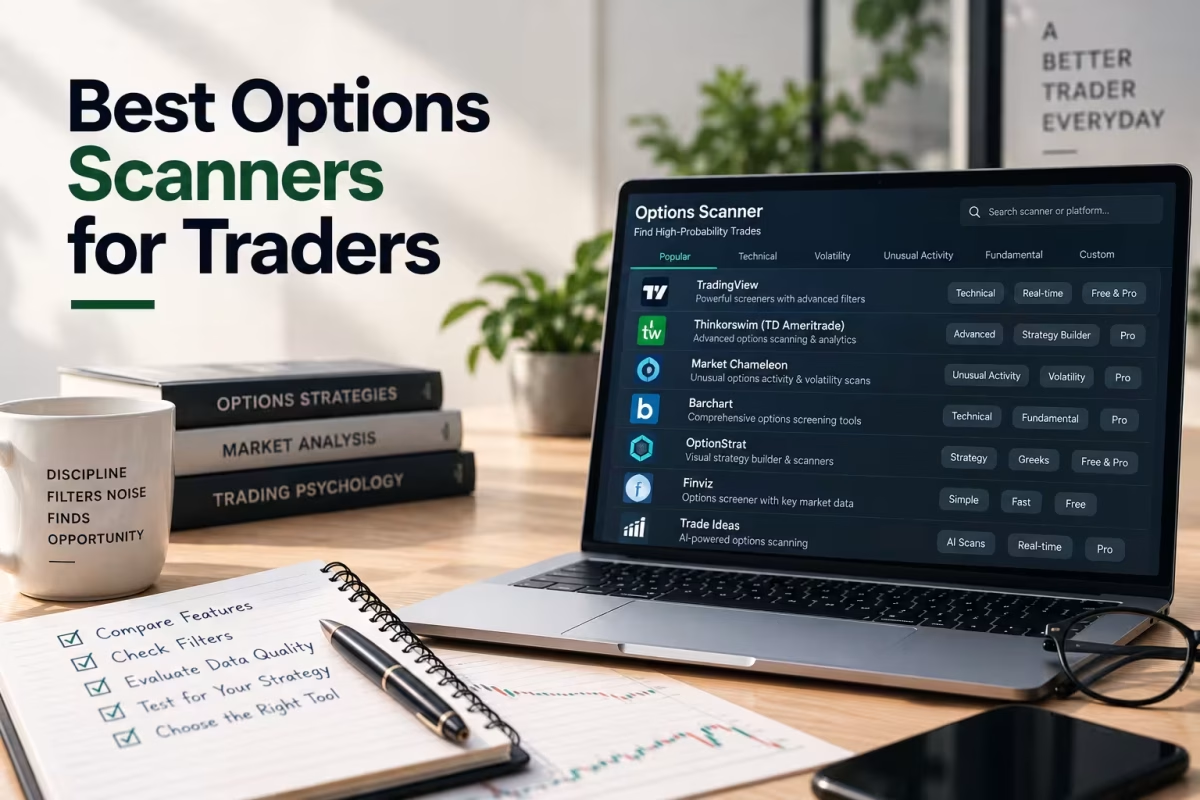
An options scanner is a tool that continuously monitors the options market and flags contracts or activity matching specific conditions — unusual volume, large block trades, elevated implied volatility, or a set of custom filters you define. The “best” one isn’t universal; it depends on whether you’re hunting for trade ideas, tracking institutional flow, or screening SPY and QQQ contracts against your own strategy rules.
Most roundups treat “options scanner” as one category and rank a single winner. That’s misleading. A scanner built to detect unusual options activity solves a completely different problem than one built to filter contracts by delta and open interest, and using the wrong type for your strategy wastes both time and money.
This guide breaks scanners into their real categories, gives you a vendor-neutral framework for evaluating any tool, and covers what actually matters if your focus is SPY and QQQ rather than scanning the entire market.
What Is an Options Scanner, and How Is It Different From a Screener?
In short: An options scanner actively monitors the market in real time and alerts you when something matches your criteria as it happens. An options screener is typically a static, on-demand filter you run manually against current data. In practice, most platforms blend both, but the distinction matters when you’re choosing a tool.
| Options Scanner | Options Screener | |
| Mode | Continuous, real-time monitoring | On-demand, run-when-you-want |
| Typical use case | Catching unusual volume or flow as it develops | Filtering the full chain by delta, IV, or OI at a point in time |
| Best for | Traders reacting to intraday signals | Traders building positions around planned criteria |
| Example | Unusual options activity alert on a sweep order | A saved filter for 30-45 DTE puts under 0.25 delta |
Neither is objectively better — they answer different questions. A screener answers “which contracts fit my plan right now?” A scanner answers “what’s happening in the market that I should know about?”
The 3 Types of Options Scanners
Bottom line: Nearly every tool on the market falls into one of three categories — criteria-based screening scanners, unusual-activity/flow scanners, or alert-based watchlist scanners. Knowing which category solves your actual problem prevents you from paying for features you’ll never use.
- Criteria-based scanners. Filter the options chain by Delta, Theta, Gamma, Vega, Implied Volatility, IV Rank, Open Interest, and Days to Expiration (DTE). Thinkorswim’s Option Hacker, tastytrade’s screener, and Barchart’s free options screener fall here. Best for traders who already know their strategy and just need to find matching contracts.
- Unusual activity / flow scanners. Track large or atypical trades — sweep orders, block trades, and volume that significantly exceeds open interest — as a signal of possible institutional positioning. Tools like Unusual Whales and similar flow platforms specialize in this. Best for traders looking for directional ideas rather than filtering their own predefined setups.
- Alert-based watchlist scanners. Monitor a fixed list of tickers (like just SPY and QQQ) and push notifications when a condition triggers — an IV spike, a volume surge, or a technical level being hit. Best for traders who don’t want to sit at a screen all day.
Key takeaway: If you already know you want a 0.20-delta put spread on SPY, you need a criteria-based screener, not a flow scanner. If you’re trying to spot where large capital is positioning before you have a thesis, a flow scanner fits better. Buying the wrong category is the single most common reason traders feel a scanner “isn’t working.”
A Framework for Evaluating Any Options Scanner
Rather than chasing whichever tool ranks #1 on a given list, run every scanner through this five-point rubric before subscribing. It’s built to be vendor-neutral, since accuracy and “win rate” claims from any single provider should be treated as marketing until you’ve verified them yourself.
The D-L-A-C-C Scanner Evaluation Framework:
- Data quality. Is pricing real-time, or delayed 15-20 minutes? Delayed data is a dealbreaker for 0DTE or fast intraday strategies.
- Liquidity filters. Can you filter by Open Interest and bid-ask spread, not just volume? A signal on an illiquid contract isn’t tradeable.
- Alerting. Does it push notifications, or do you have to keep the tab open? Passive monitoring only works if it actually alerts you.
- Customization. Can you save specific screens for SPY and QQQ separately, given their different baseline Implied Volatility and sector exposure?
- Cost-to-usage fit. Does the subscription price match how often you’ll actually use it? A $100/month flow scanner is wasted on someone placing two trades a week.
Score each tool 1-5 on these five criteria before comparing price. A cheap tool that fails on data quality is more expensive in missed or bad fills than a pricier one that’s accurate.
Comparing Options Scanner Categories: What You Get at Each Price Point
| Category | Typical Cost | Real-Time Data | Best Fit |
| Broker-built screeners (thinkorswim, tastytrade) | Free with account | Usually real-time for account holders | Traders who already have a brokerage relationship and want basic filtering |
| Free web screeners (Barchart, etc.) | Free | Often delayed 15-20 min | Beginners learning what filters exist before paying for anything |
| Dedicated flow/unusual activity platforms | $20-$100+/month | Real-time | Traders seeking directional ideas from institutional activity |
| Comprehensive analytics platforms (Market Chameleon and similar) | $30-$100+/month | Real-time | Traders who want deep IV Rank, earnings, and cross-underlying analytics in one place |
In short: You don’t need to pay for real-time flow data if you’re screening 30-45 DTE credit spreads on SPY once a week — that’s a criteria-based use case a free or broker-built screener handles fine. Flow and alert tools earn their subscription cost only when your strategy actually depends on reacting to intraday signals.
Choosing a Scanner When You Only Trade SPY and QQQ
Most scanner roundups are built for traders scanning the entire market — thousands of tickers, sector rotation, small-cap unusual activity. If your focus is exclusively SPY and QQQ, you don’t need that breadth, and paying for it is a wasted feature.
What actually matters for SPY/QQQ-focused scanning:
- Separate volatility baselines. The Invesco QQQ Trust (QQQ) tracks the NASDAQ-100 Index and runs a generally higher baseline Implied Volatility than the SPDR S&P 500 ETF Trust (SPY), which tracks the broader, more diversified S&P 500. A scanner that applies one flat IV threshold to both will misfire on one of them.
- Macro-event awareness over single-stock earnings. SPY and QQQ move on Federal Reserve announcements, CPI releases, and broad market sentiment more than any single company’s earnings report — a scanner with economic calendar integration matters more here than an earnings-proximity filter built for individual stocks.
- Liquidity is rarely the constraint. Both SPY and QQQ options carry deep Open Interest and tight spreads across most strikes, so a scanner’s liquidity filters matter less here than they would scanning thinly traded small-caps.
Mini example (hypothetical, for illustration only): A trader running weekly QQQ iron condors doesn’t need a flow scanner tracking dark pool prints across 3,000 tickers. A simple, saved criteria screen — IV Rank above 50, 7-10 DTE, short strikes at 0.15-0.20 delta — run once a week against just QQQ accomplishes the entire job a $100/month platform would, at a fraction of the cost.
Common Mistakes When Choosing an Options Scanner
- Paying for flow data you don’t act on. If you never trade off unusual activity alerts, that feature isn’t earning its subscription cost.
- Ignoring data delay. A scanner with 15-minute-delayed data can materially mislead a 0DTE or fast-moving strategy.
- Trusting unverified “accuracy” claims. Any single vendor’s self-reported win rate or accuracy percentage should be treated as a marketing claim, not independent research, until verified.
- Scanning the whole market when you only trade two tickers. Broad-market scanners add noise and cost when your strategy is SPY/QQQ-specific.
- Using scanner output as a finished decision. A flagged contract or unusual trade still needs review against the chart, Relative Strength Index (RSI), Moving Averages, and your own Risk-to-Reward Ratio before you act.
Learn to Use Scanners the Right Way with MySpyOptions
A scanner surfaces candidates — it doesn’t teach you what to do with them. Knowing that QQQ just showed unusual call volume, or that a SPY put spread cleared your delta filter, is only useful if you understand how that fits your broader plan, your position sizing, and your risk tolerance.
That’s the gap MySpyOptions focuses on closing. Rather than covering the entire options universe, the platform teaches practical SPY and QQQ trading specifically — the two most liquid, most heavily traded underlyings among retail options traders — so scanner output connects directly to strategies you’ve actually studied. Structured, strategy-specific education tends to build consistency faster than piecing together scanner alerts without a framework for interpreting them.
Why Choose MySpyOptions
Turning a scanner alert into a well-reasoned trade takes more than access to data. MySpyOptions is built around three things that make that translation possible:
- Focused curriculum on SPY and QQQ, so every lesson maps to the tickers you’re actually scanning.
- Practical strategy walkthroughs that connect scanner signals (IV Rank, Delta, unusual volume) to real trade construction, position sizing, and Stop-Loss placement.
- Trader support from experienced traders and a community working through the same setups — without exaggerated performance promises.
The goal is turning “the scanner flagged this” into “I understand why this fits my plan.”
Key Takeaways
- An options scanner monitors the market in real time for matching activity; a screener is typically an on-demand filter — most platforms blend both.
- Scanners fall into three categories: criteria-based, unusual-activity/flow, and alert-based watchlist tools. Matching the category to your actual strategy matters more than picking a single “best” tool.
- Use the D-L-A-C-C framework (Data quality, Liquidity filters, Alerting, Customization, Cost-to-usage fit) to evaluate any scanner before subscribing.
- If you only trade SPY and QQQ, you rarely need whole-market breadth — a simple, saved criteria screen calibrated to each ticker’s own volatility baseline usually beats a broad, expensive platform.
- A scanner narrows your search. It doesn’t replace chart review, risk management, or verifying vendor claims independently.
Frequently Asked Questions
What’s the difference between an options scanner and an options screener?
A scanner typically monitors the market continuously and alerts you to matching activity in real time. A screener is usually a filter you run on demand against current data. Many platforms combine both functions under one name.
Do I need a paid options scanner, or is a free one enough?
It depends on your strategy. If you’re screening criteria like delta and open interest on SPY and QQQ a few times a week, a free or broker-built screener is usually sufficient. Paid flow scanners earn their cost only if your strategy depends on reacting to real-time unusual activity.
What is an unusual options activity scanner used for?
It flags large or atypical trades — sweep orders, block trades, or volume that significantly exceeds open interest — as a possible signal of institutional positioning, giving traders a directional idea to investigate further rather than a finished trade.
Should I use the same scanner settings for SPY and QQQ?
No. QQQ tracks the NASDAQ-100 Index and typically carries a higher baseline Implied Volatility than SPY, which tracks the broader S&P 500. A flat volatility threshold calibrated to one will often misclassify normal conditions on the other.
Can an options scanner guarantee accurate trade signals?
No. Any scanner’s flagged activity still requires independent verification against price action, technical indicators, and your own risk tolerance. Self-reported accuracy statistics from a single vendor should be treated as marketing claims, not verified research, unless independently confirmed.
What should beginners look for in their first options scanner?
Beginners generally do best starting with a free, broker-built criteria screener (like thinkorswim’s Option Hacker or a similar tool) to learn which filters matter — delta, IV Rank, open interest — before paying for a real-time flow or alert platform.